Cursor Master Installation Documentation
Complete guide to installing and setting up Cursor Master for lifetime free access to Cursor AI
Trusted by over 600,000 core developers worldwide
Welcome to Cursor Master! This documentation will guide you through the complete installation process. Follow each step carefully to ensure a successful setup.
Launching the Setup
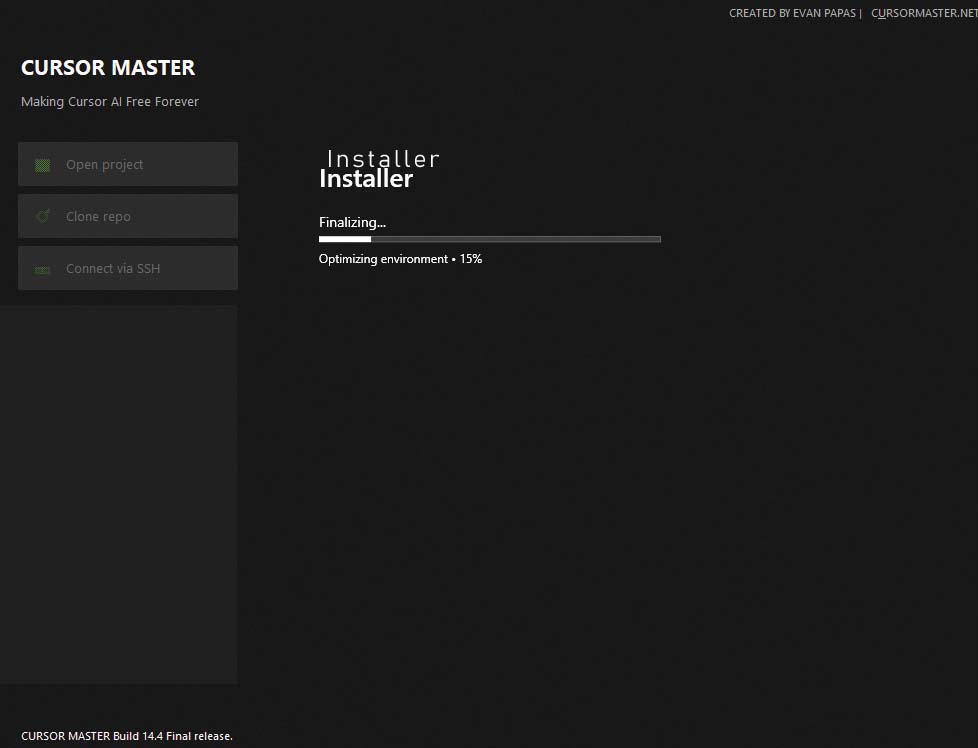
After purchase, extract the ZIP file, locate and launch the file CursorMasterSetup.exe with administrator privileges. Right-click on the file and select "Run as administrator" to ensure proper installation permissions.
Choose Installation Location
During the installation process, in this build, the app installs itself to the most convenient location on your system.
Installation Completes
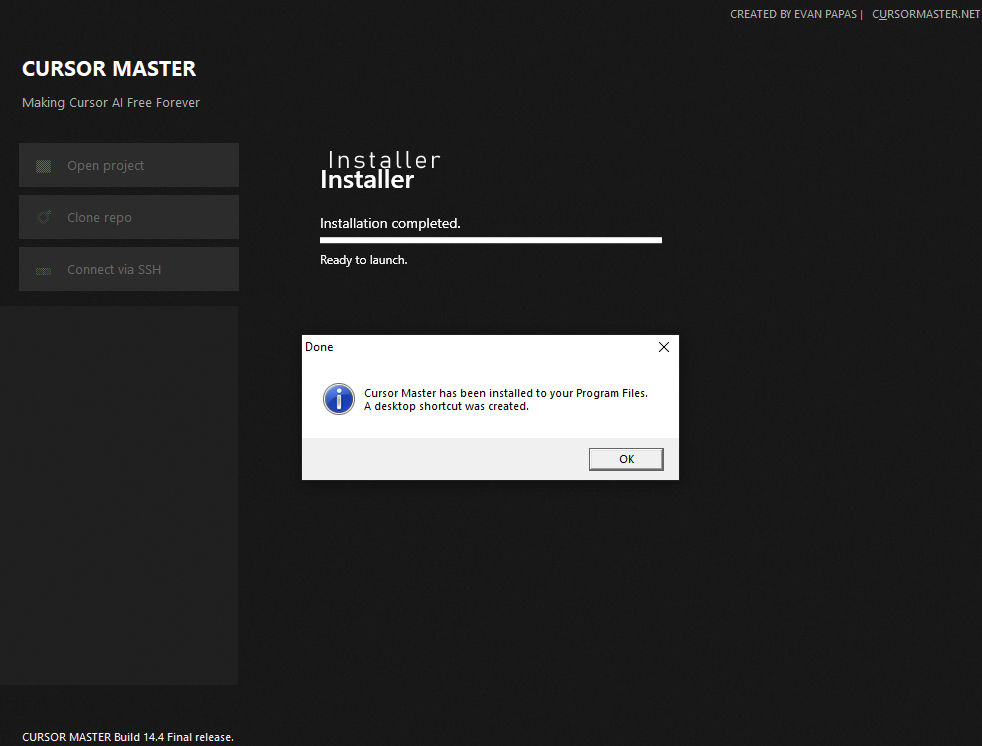
The installation process will complete automatically. You'll see a confirmation screen indicating that Cursor Master has been successfully installed on your system. Click OK. Right click the icon Cursor Master and run with Administrator priviledges.
Launch the Application
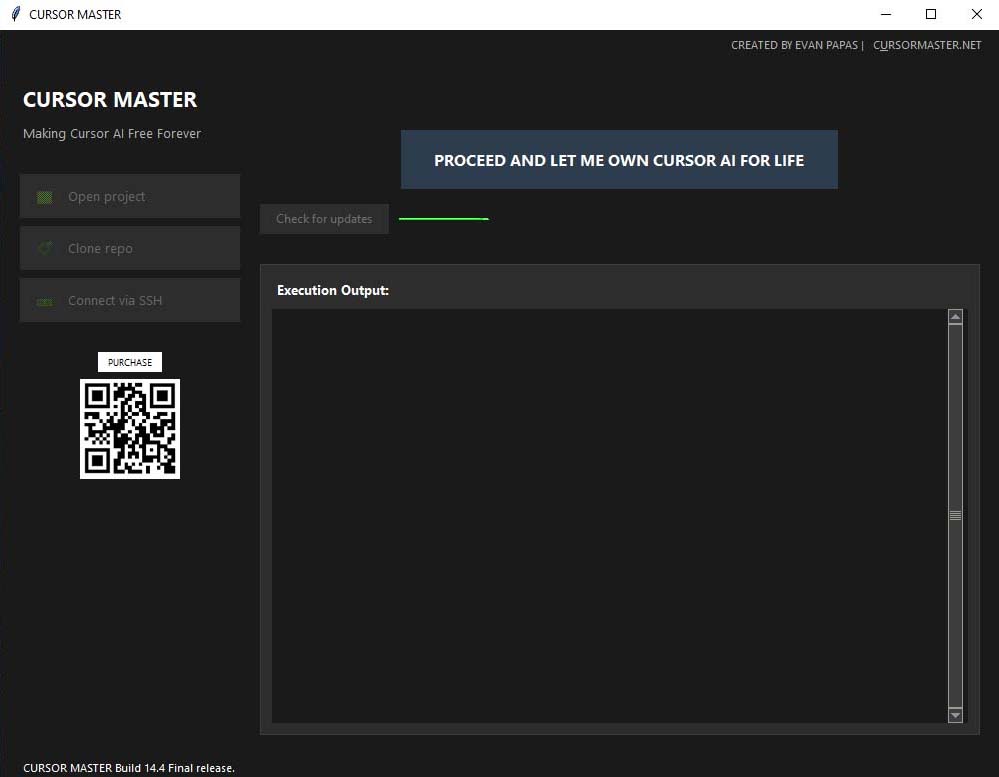
After installation, launch the Cursor Master application from your desktop shortcut(Right click launch as Administrator priviledges) The application will open and you click the button Check for updates before running the app.
Check for Updates
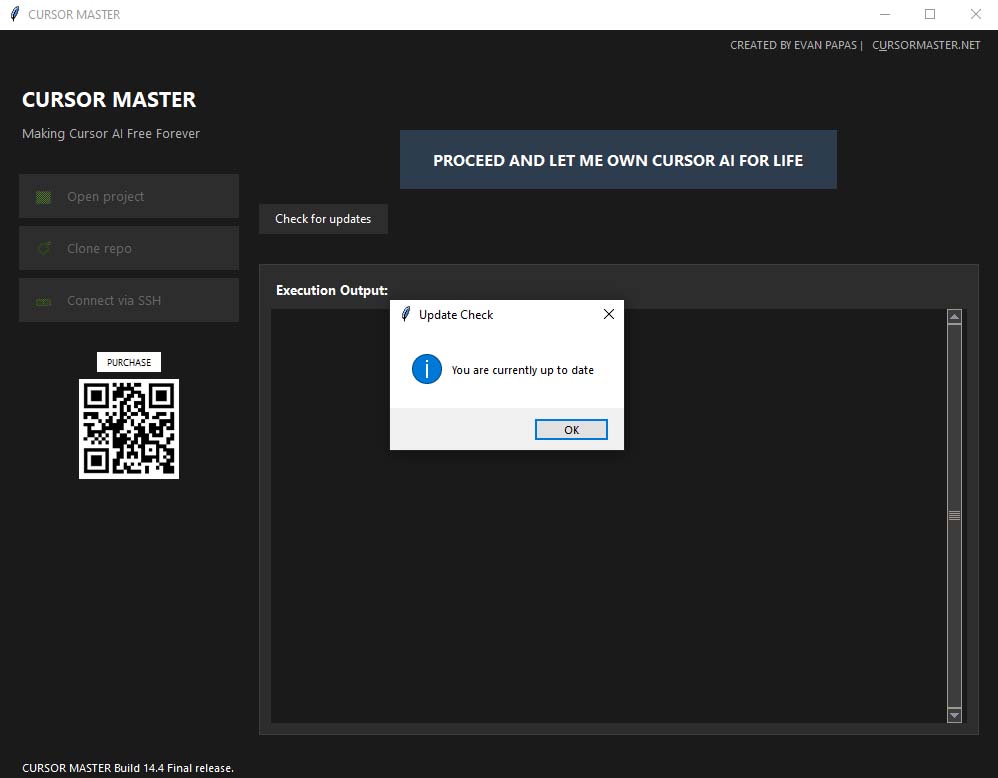
Once the application is launched, it's recommended to check for updates to ensure you have the latest version with all the newest features and bug fixes. Use the built-in update checker in the application.
Important: Watch This Video Before Deployment
Before deploying the package to make Cursor AI free for life, please follow the steps shown in this YouTube video. This is a crucial step that must be completed correctly.
Note: Make sure to watch the entire video and follow all instructions carefully before proceeding to Step 6.
Deploy the Package
After watching the video guide and following all the instructions, you can now deploy the package. This final step will activate your lifetime free access to Cursor AI. Follow the on-screen instructions to complete the deployment process.

Installation Complete!
You have successfully installed and configured Cursor Master. Enjoy your lifetime free access to Cursor AI!